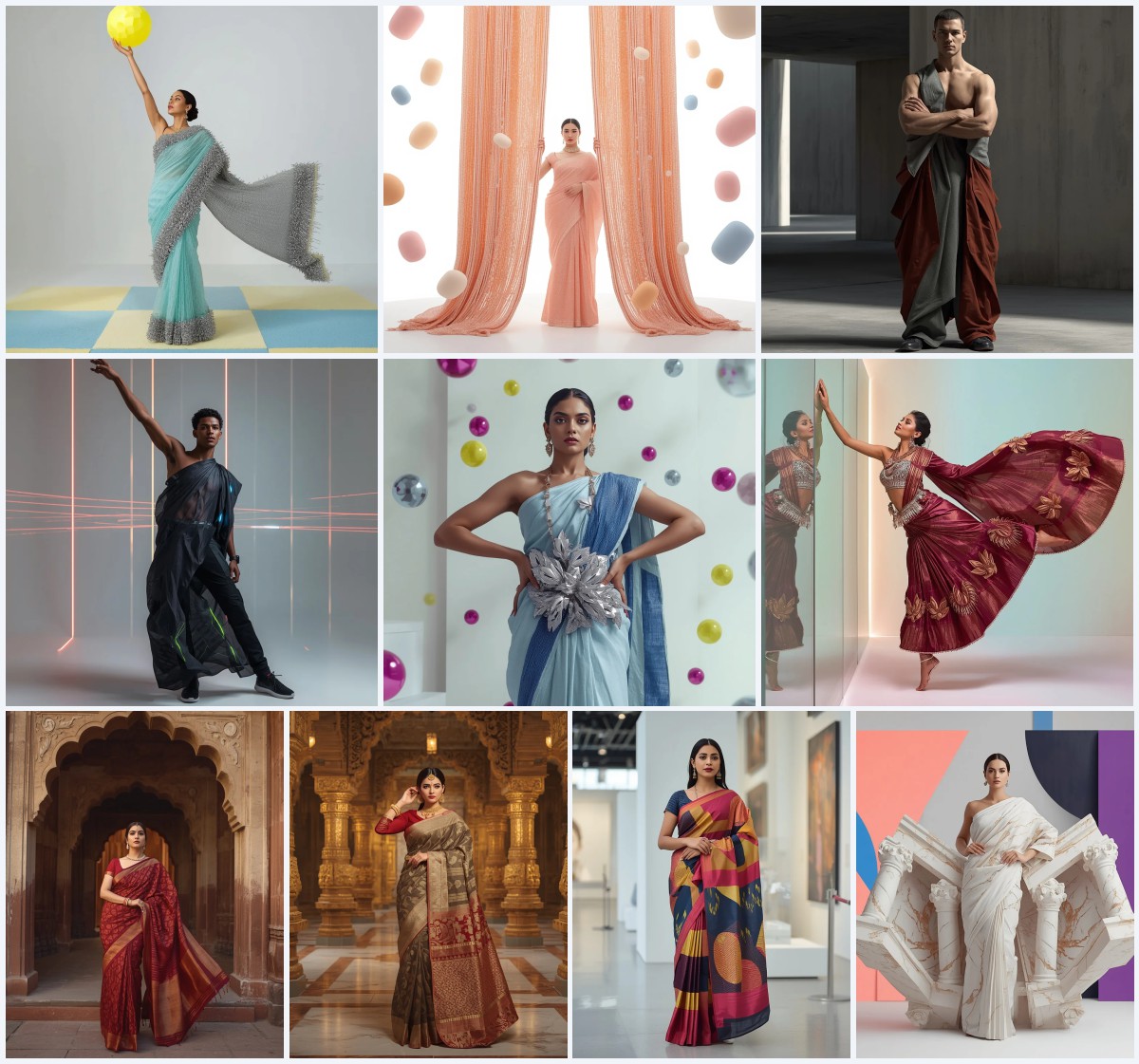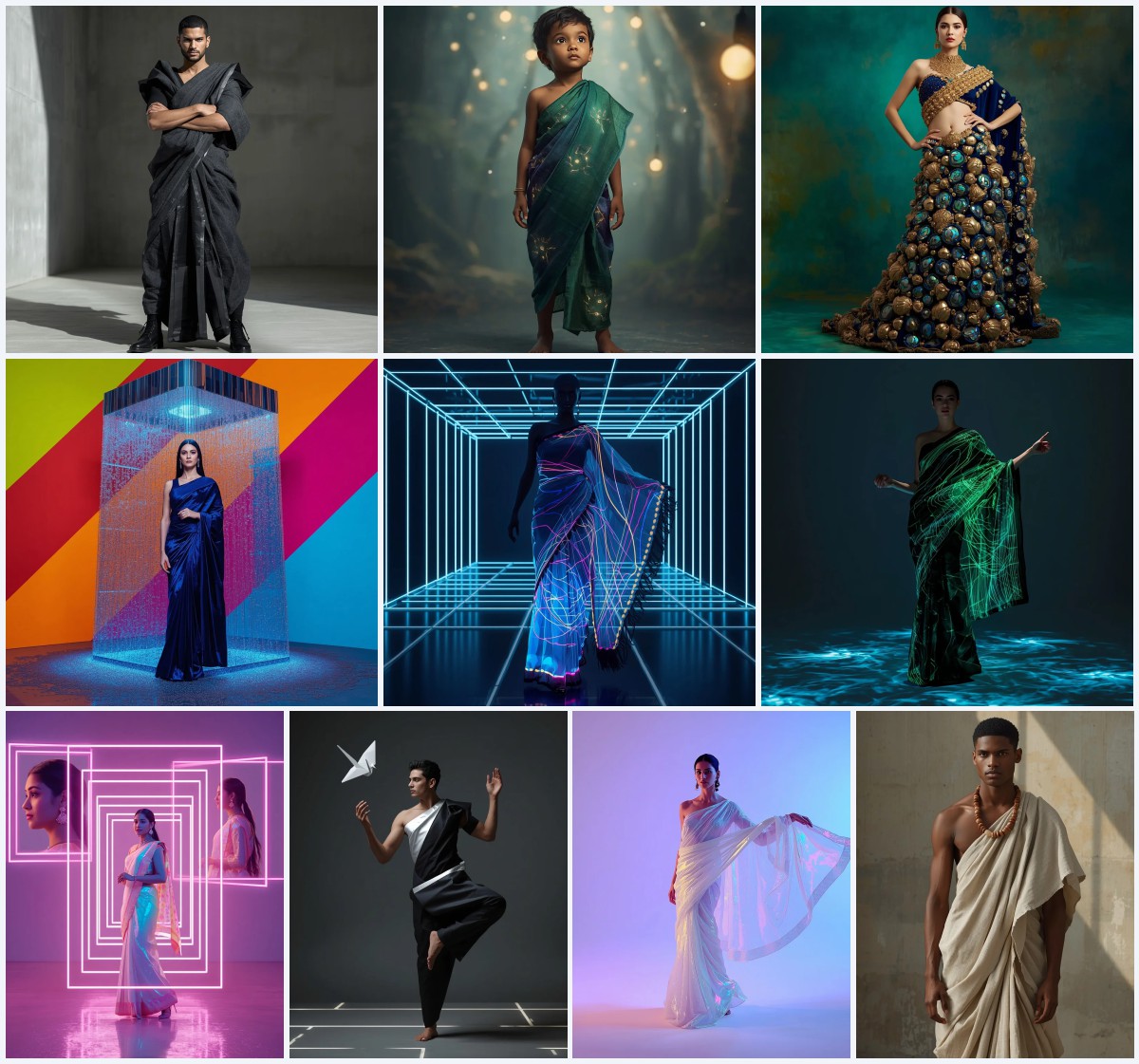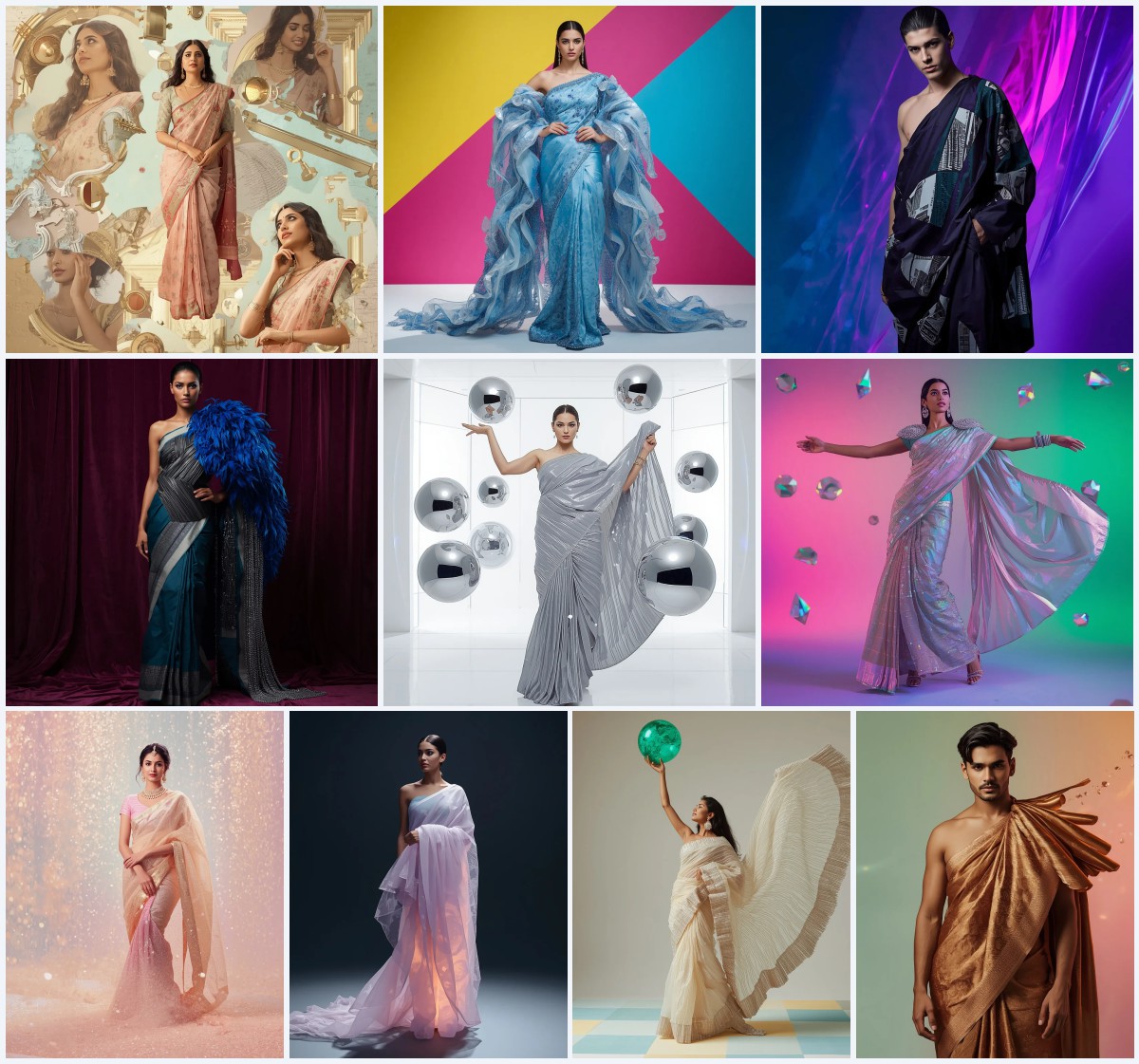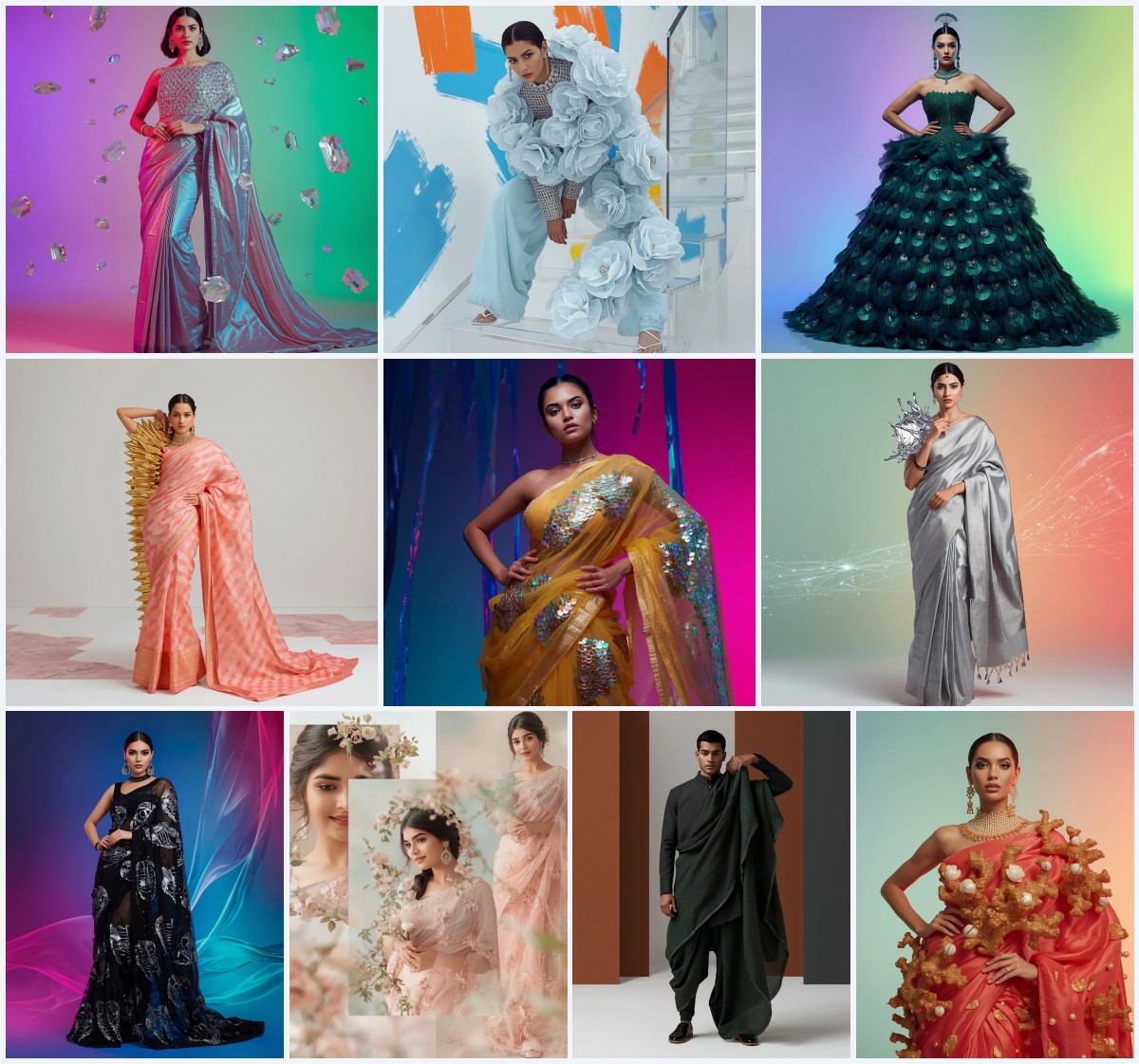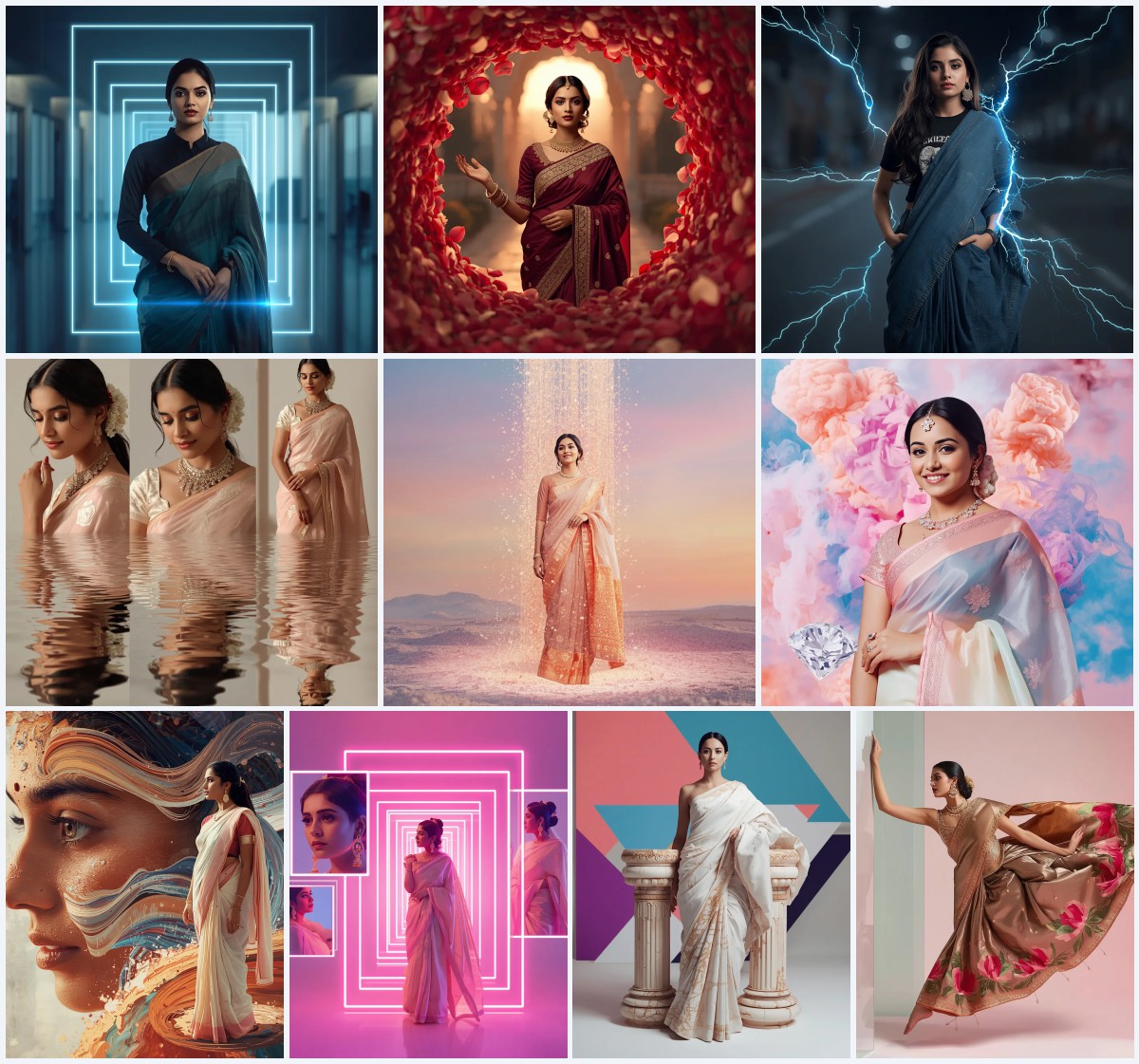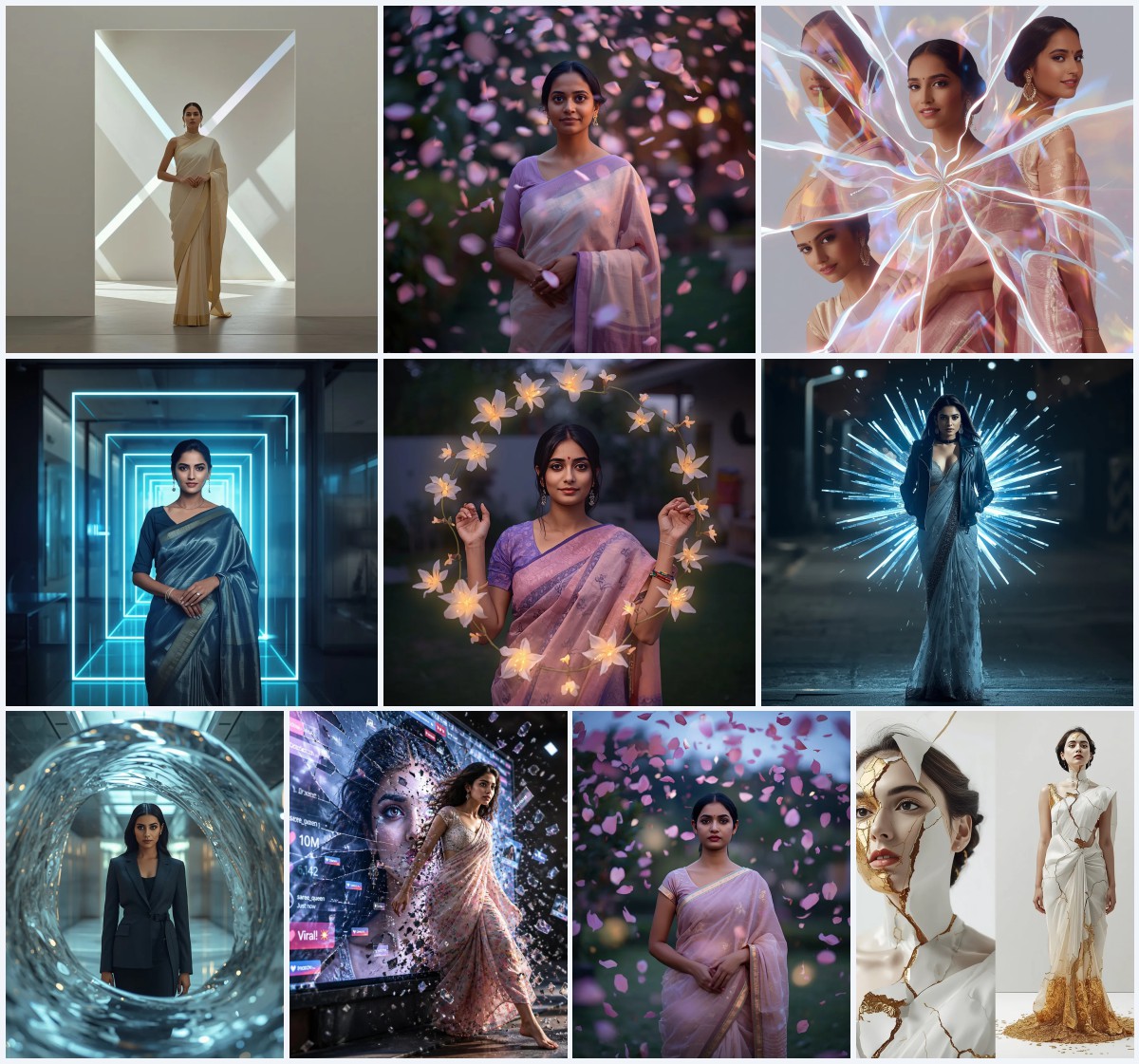


Discover how to easily generate breathtaking, high-fashion saree imagery using optimized, copy-and-paste AI prompts.
In the rapidly evolving world of digital art, accessibility is key. Complex prompt engineering can often feel like a barrier to entry for creators who simply want to bring their visual ideas to life. Fortunately, with pre-optimized, easy-to-use prompts, anyone can generate professional-grade fashion editorials that seamlessly blend traditional South Asian attire with modern, avant-garde design elements.
These prompts are carefully structured to handle the heavy lifting for you. They contain precise instructions regarding fabric types, lighting setups, model poses, and atmospheric details. This means you do not need to spend hours tweaking parameters to get a realistic fabric drape, a glowing holographic petal texture, or a dramatic cyberpunk digital rain effect on your digital garments.
By using these optimized prompts, you can focus on the fun, creative side of generative art: experimenting with color palettes, exploring unique cultural fusions, and sharing your stunning creations with the world. Let us dive into how you can make the most of these easy-to-use tools to elevate your digital fashion portfolio.
What Are Easy Use Saree Prompts?
Easy Use Saree Prompts are pre-formulated, descriptive text blocks designed to produce high-end, visually complex images of sarees with minimal effort. They are engineered to bypass common AI pitfalls, such as flat lighting or generic garment styles, by incorporating advanced artistic terminology directly into the text.
Whether you want to render a model in a traditional georgette saree with heavy gold calligraphy or a futuristic cyberpunk figure wrapped in digital rain LEDs, these prompts provide the exact structural keywords needed to guide the AI to a flawless, high-resolution output.
Why Easy Use Saree Prompts Is Trending
The trend toward easy-to-use AI prompts is fueled by the growing community of digital creators, social media influencers, and fashion enthusiasts who want high-impact visuals without a steep learning curve. On platforms like Instagram and TikTok, trends move incredibly fast, and creators need reliable tools that deliver beautiful results on the first try.
Additionally, these prompts allow for rapid prototyping. Fashion students and professional designers are using them to quickly visualize how different textures—like shattered mirror shards, digital flora, or silver chainmail—look when draped in a traditional saree style, saving days of manual sketching and modeling.
Popular Styles You Can Create
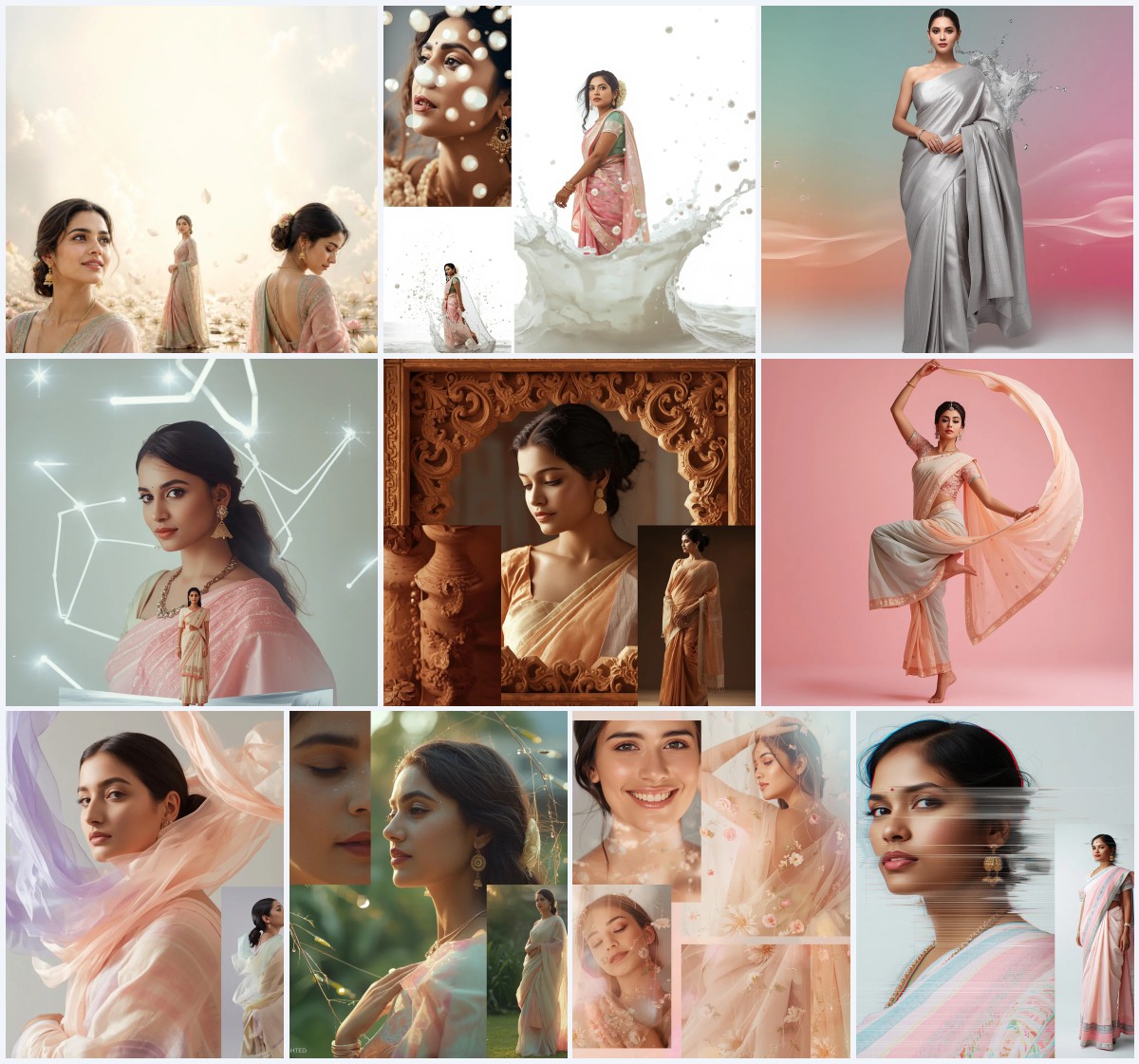
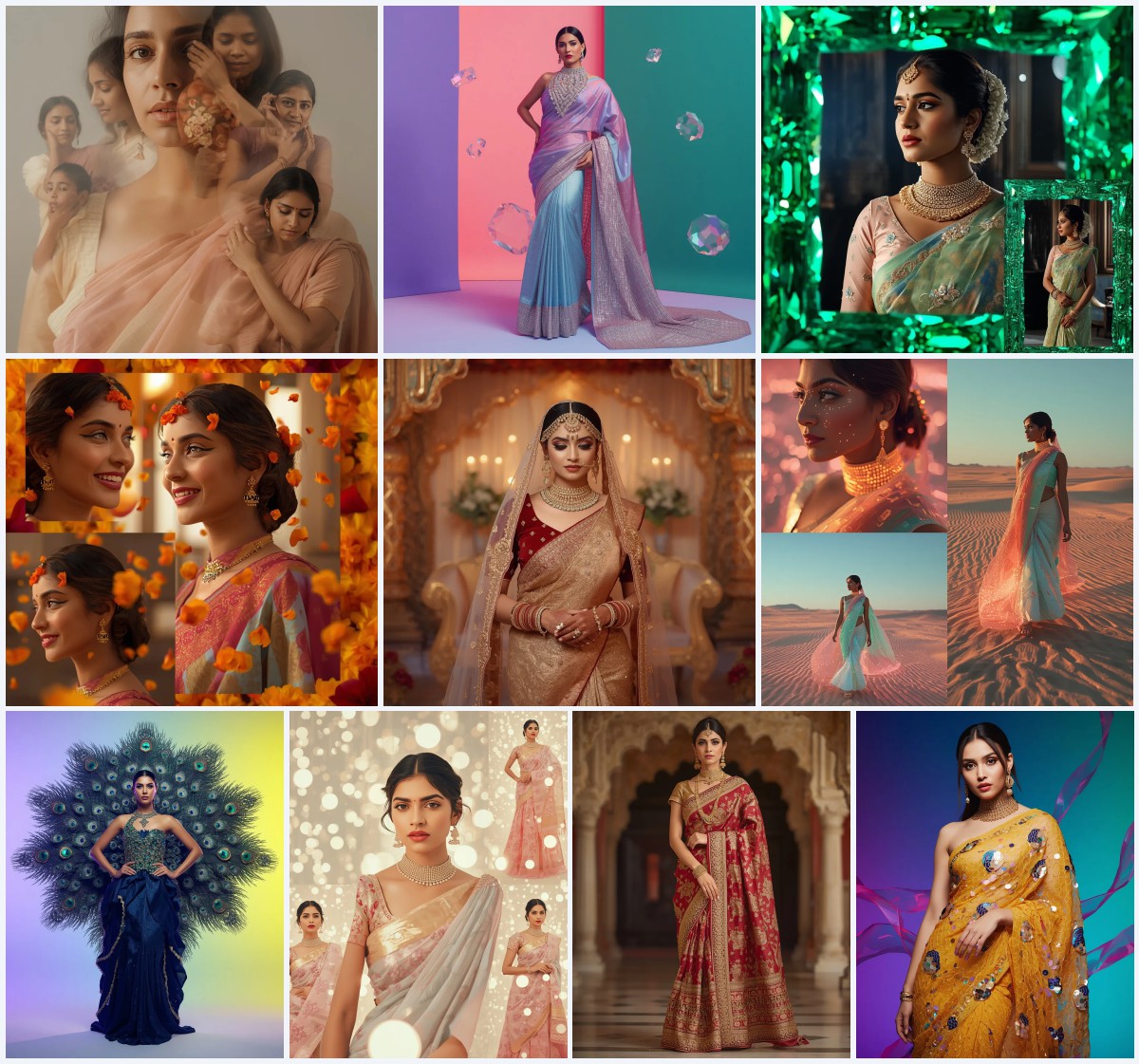
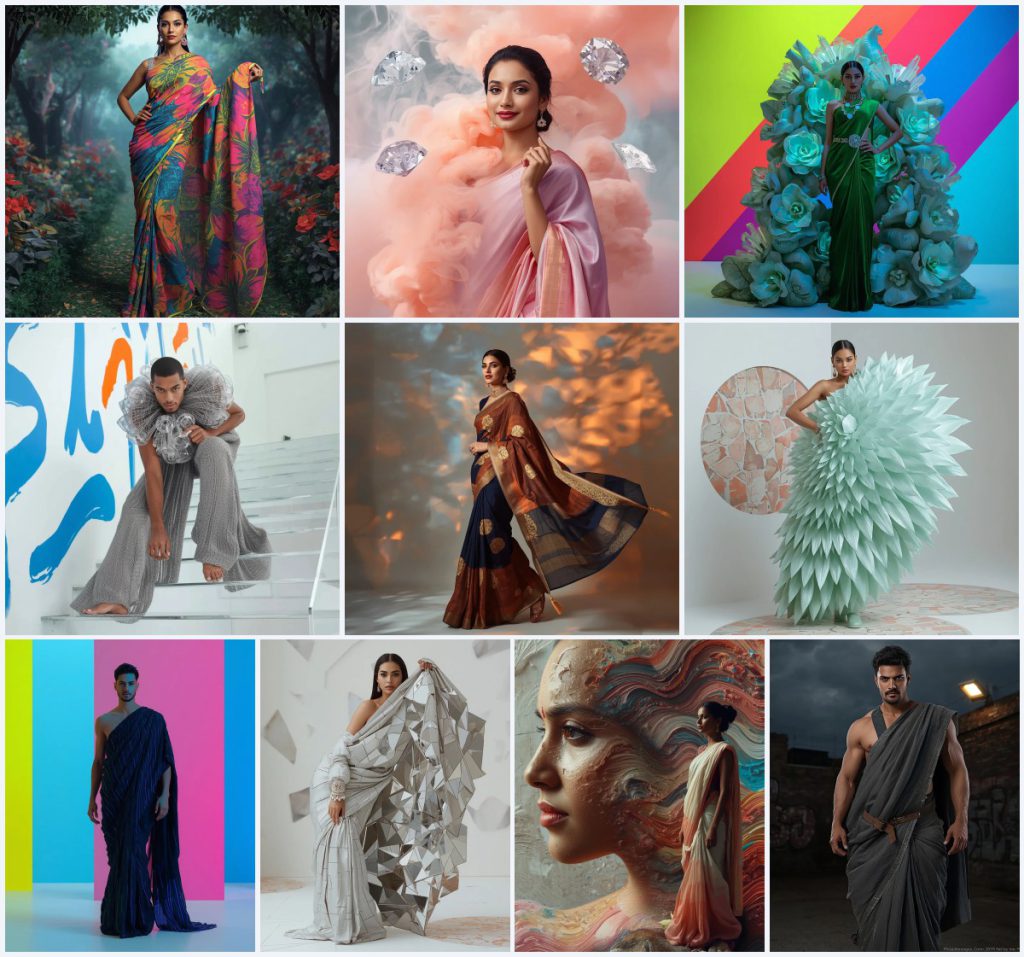
This collection offers an incredible range of creative styles, spanning from hyper-futuristic digital concepts to rich, artistic paint fusions. Here are the distinct styles you can generate:
- Digital Flora: A revolutionary fabric mimicking glitching digital flora with pixelated petals in neon pink, electric blue, and lime green.
- Diamond Smoke: A luxury collage featuring an Indian woman surrounded by thick pastel smoke plumes flash-freezing into solid diamond sculptures.
- Luminescent Flora: A heavy moss-green velvet base caged inside a 3D structure of giant bioluminescent flowers and translucent plates.
- Suspended Kinetic Drape: A conceptual male model garment encased in a thick crust of rigid silver chainmail and massive, moving acrylic gears.
- Abstract Calligraphy: Premium georgette featuring heavy gold embroidered calligraphy mixed with giant painted brushstrokes in deep indigo and burnt orange.
- Digital Petal: A pastel mint green pure silk saree weighted down by a rigid sheet of sharp holographic petals in a glitch art pattern.
- Digital Rain: A cyberpunk male model style with a matte black fabric embedded with vertical lines of glowing micro-LEDs simulating falling rain.
- Abstract Reflection: A silver pure silk saree loaded with a massive sheet of sharp, irregular mirror shards reflecting the environment.
- Paint Fusion: An artistic collage where flowing paint waves seamlessly blend into the skin and pastel saree of an Indian model.
- Urban Warrior: A rugged, masculine draped style in distressed grey and deep olive canvas with visible stitching and utilitarian buckles.
How to Use Easy Use Saree Prompts
Getting started is incredibly simple. Follow this straightforward 7-step process to generate your own high-fashion digital artwork.
- Browse through the available styles and select the prompt that matches your creative vision.
- Copy the entire prompt text directly from the post to ensure all descriptive keywords are preserved.
- Open an advanced AI image generator of your choice, such as Midjourney, Flux, or Leonardo.
- Paste the prompt into the input box. If desired, swap out color words (e.g., change 'mint green' to 'royal blue') to customize the design.
- Adjust your generation settings, selecting a high-definition or photorealistic model preset if available.
- Run the prompt and wait for the system to generate the initial set of four image options.
- Select your favorite version, apply an upscale to bring out the fine details in the fabrics and textures, and save your final masterpiece.
What Kind of Base Photo Works Best?
To capture the sheer weight and complexity of these designs, your virtual model's pose and composition must be highly intentional. Poses like the 'Lateral Hip-Thrust Stare' or a sharp 'Contorted Stare' work beautifully because they create dramatic angles in the fabric, allowing the AI to render realistic shadows and reflections across the holographic petals or mirror shards.
Additionally, multi-color random backgrounds or clean, minimalist studio settings are ideal. They provide a vibrant yet non-distracting environment that highlights the premium textures of the georgette, velvet, or silk base fabrics.
Which AI Tools Deliver the Best Results?
Choosing the right tool depends on your specific design goals. Some platforms excel at rendering metallic and glass reflections, while others are better at blending organic textures like paint and flowers.
| AI Tool | Strengths for Easy Use Prompts | Recommended Settings |
|---|---|---|
| Midjourney | Unmatched rendering of complex textures like mirror shards, chainmail, and glowing LEDs. | Use raw style and high-definition upscalers. | Flux | Excellent at rendering text elements, calligraphic brushstrokes, and precise poses. | Keep prompt modifications minimal for best adherence. | Leonardo | Great for generating vibrant, high-contrast digital art and fantasy elements. | Enable the 'Absolute Reality' or 'PhotoReal' pipelines. | ChatGPT / Gemini | Perfect for quick, accessible generations and rapid prompt customization. | Paste the prompt directly and ask for a 9:16 high-fashion portrait. |
Pro Tips
To make your images look incredibly realistic, focus on lighting. Prompts that specify "tactile, blinding reflections" or "glowing micro-LEDs" automatically force the AI to calculate how light interacts with different surfaces. This makes materials like silver chainmail or holographic petals pop off the screen.
Another great tip is to experiment with aspect ratios. A vertical 9:16 aspect ratio is perfect for mobile screens and social media reels, as it allows the full length of the draped saree and its intricate border details to be fully visible.
Common Issues and Quick Fixes
When working with highly detailed prompts, minor generation errors can occasionally occur. Use this quick reference guide to resolve them.
| Common Issue | Root Cause | Quick Fix |
|---|---|---|
| Gears or shards look flat and 2D | The AI ignored the depth descriptors in the prompt. | Emphasize terms like "3D layered texture", "heavy crust", or "tactile depth". | Paint waves look messy or chaotic | The blend between the model and background is too strong. | Add "clean studio background" or specify a "seamless fusion" to guide the AI. | Model's pose looks stiff or unnatural | The prompt lacks dynamic movement keywords. | Incorporate active pose descriptions like "graceful walking pose" or "torso twisted sharply". |
Frequently Asked Questions
Here are the answers to some of the most common questions about using these easy-to-use saree prompts.
What makes these saree prompts easy to use?
These prompts are pre-optimized with highly descriptive keywords, allowing you to copy and paste them directly into your favorite AI generator for instant, stunning results without complex tweaking.
Can I use these prompts for commercial fashion design?
Yes, you can use the generated images as inspiration, conceptual mockups, or digital assets for your fashion brand, social media, or creative portfolio.
How do I adjust the color palette of the generated saree?
Simply locate the color descriptors in the prompt (such as 'neon pink', 'mint green', or 'deep indigo') and replace them with your preferred color choices before running the generation.
Conclusion
Creating stunning digital fashion has never been simpler. With our collection of Easy Use Saree Prompts, you can effortlessly generate high-fashion, avant-garde imagery that blends cultural tradition with modern digital aesthetics. Copy your favorite prompt, paste it into your preferred AI tool, and watch your creative visions come to life in beautiful, high-resolution detail.