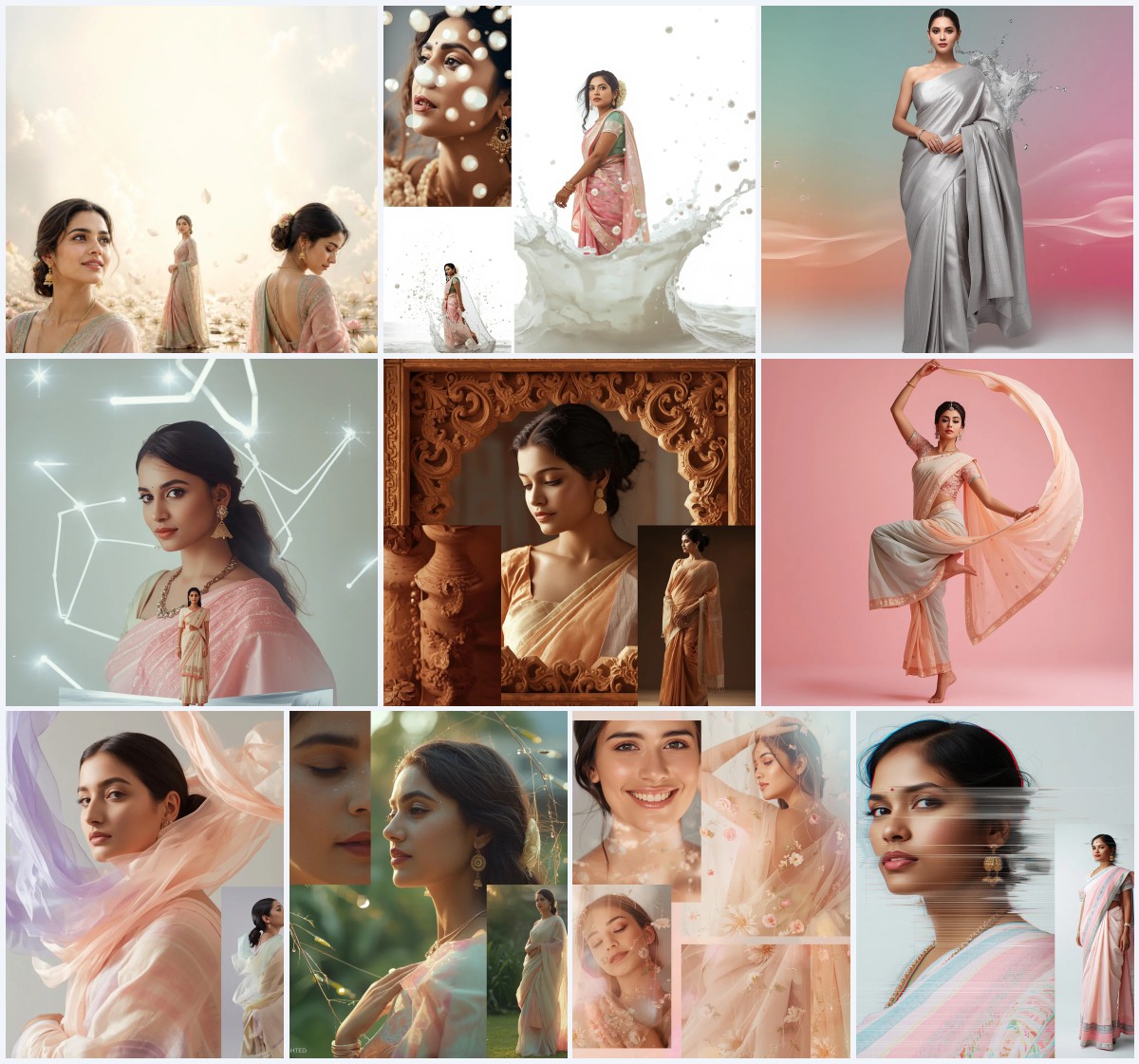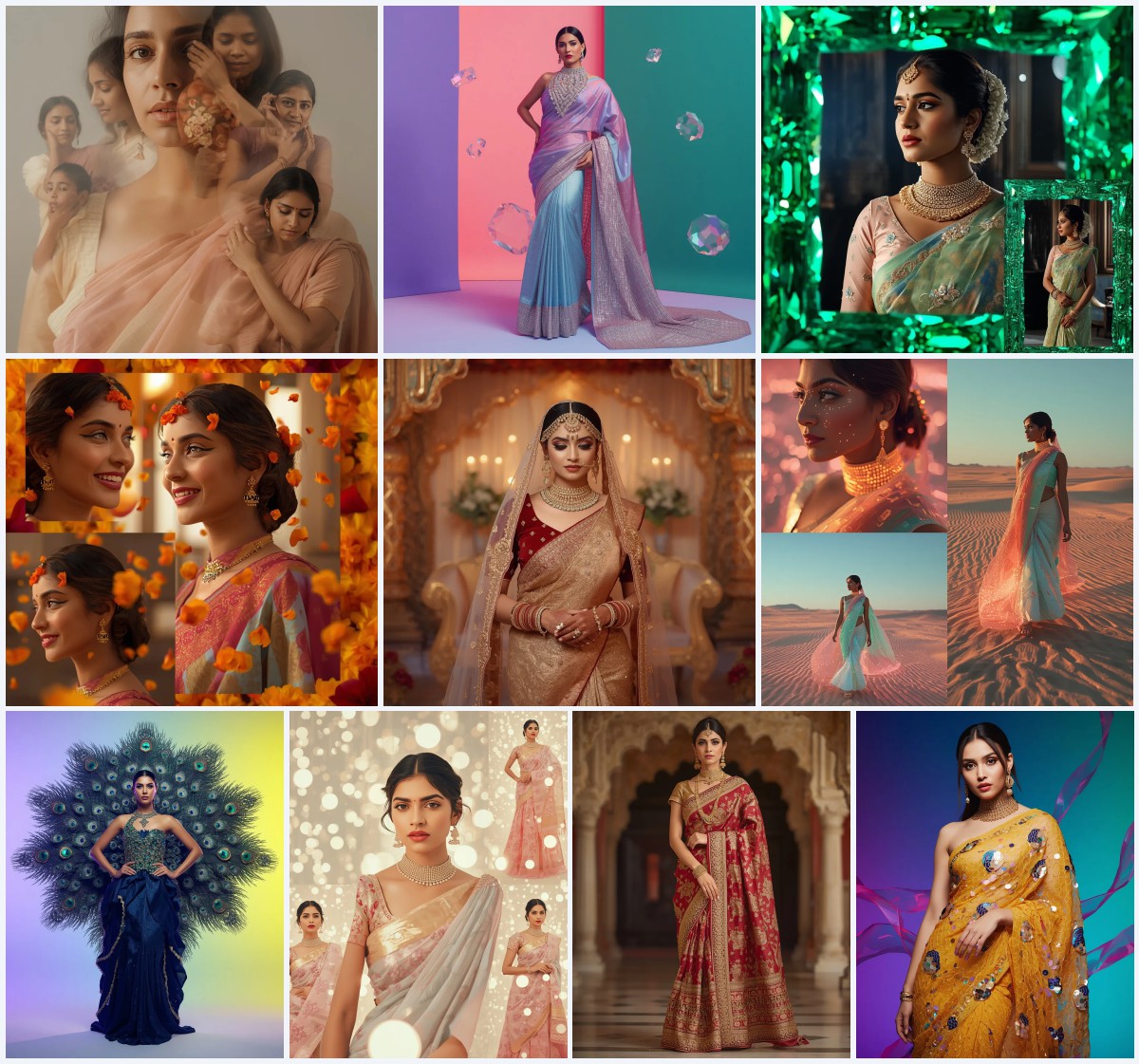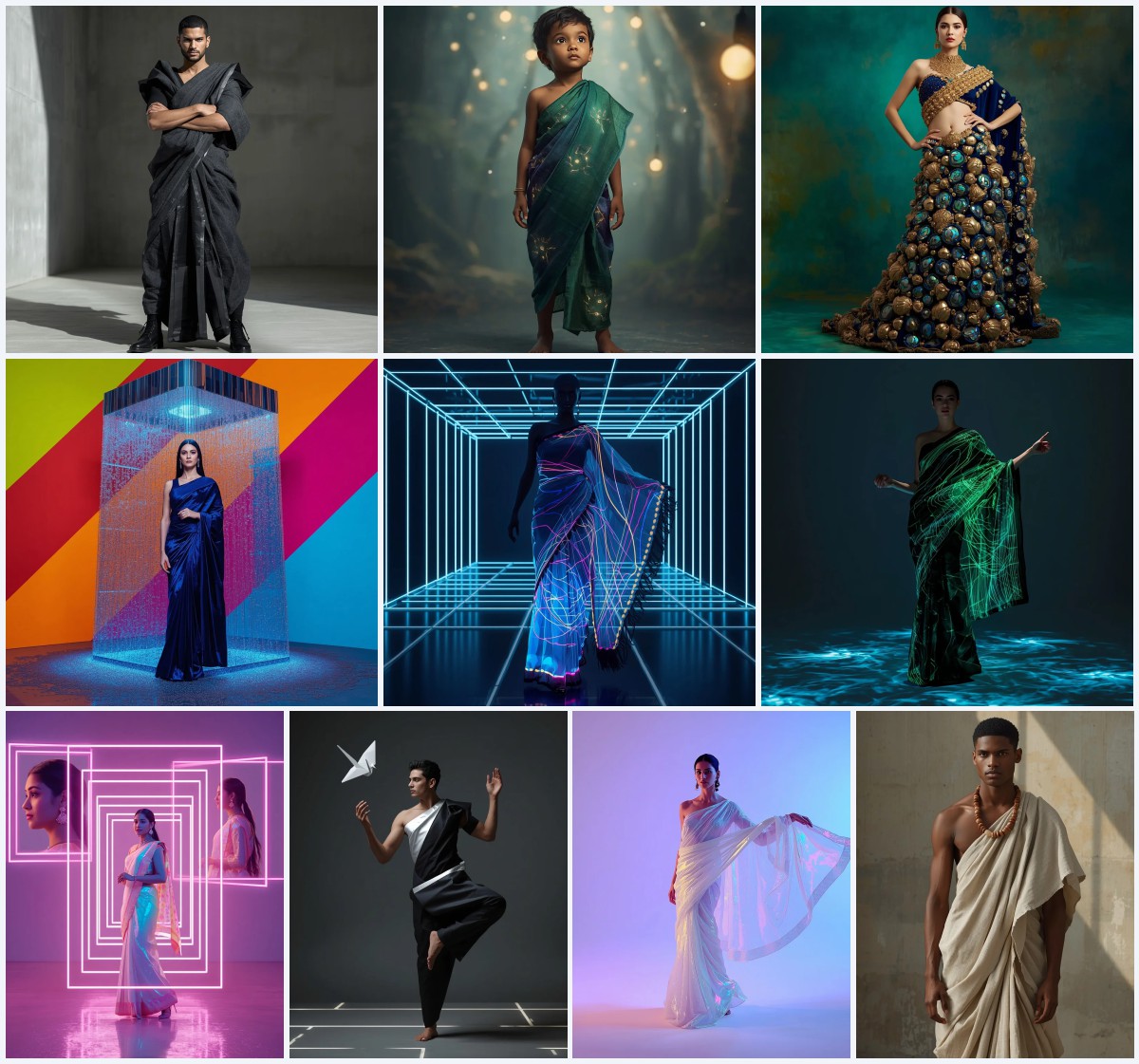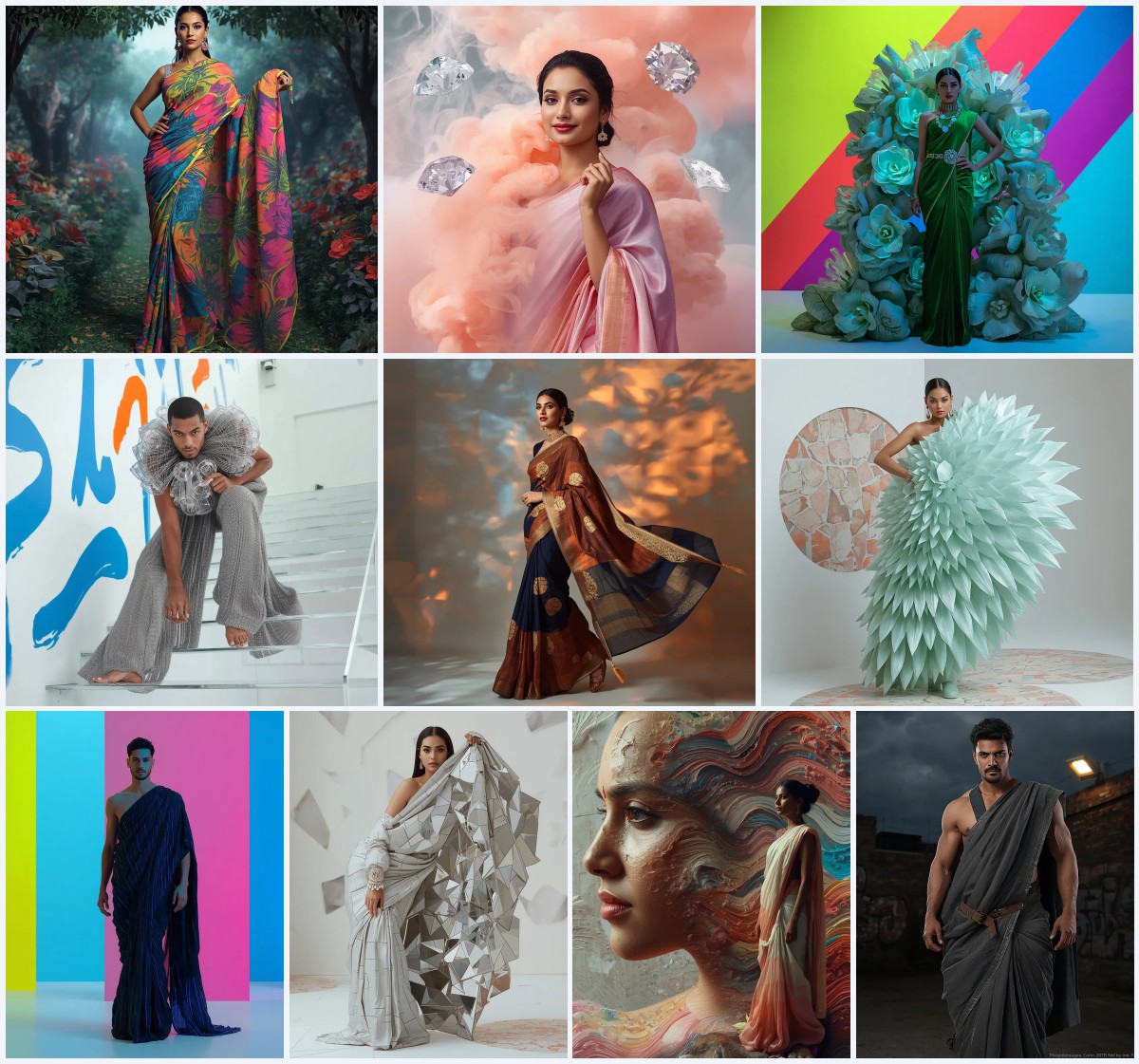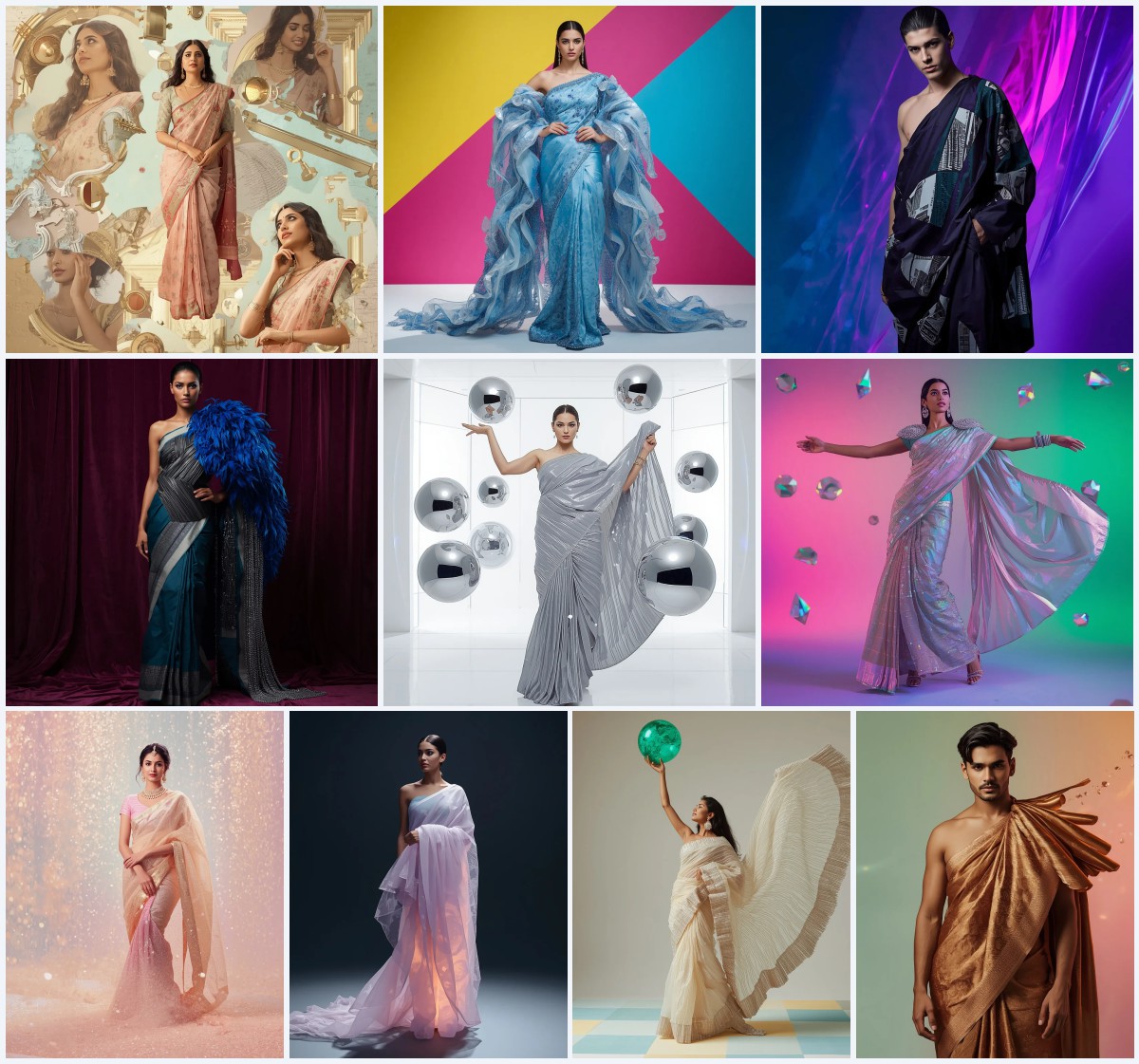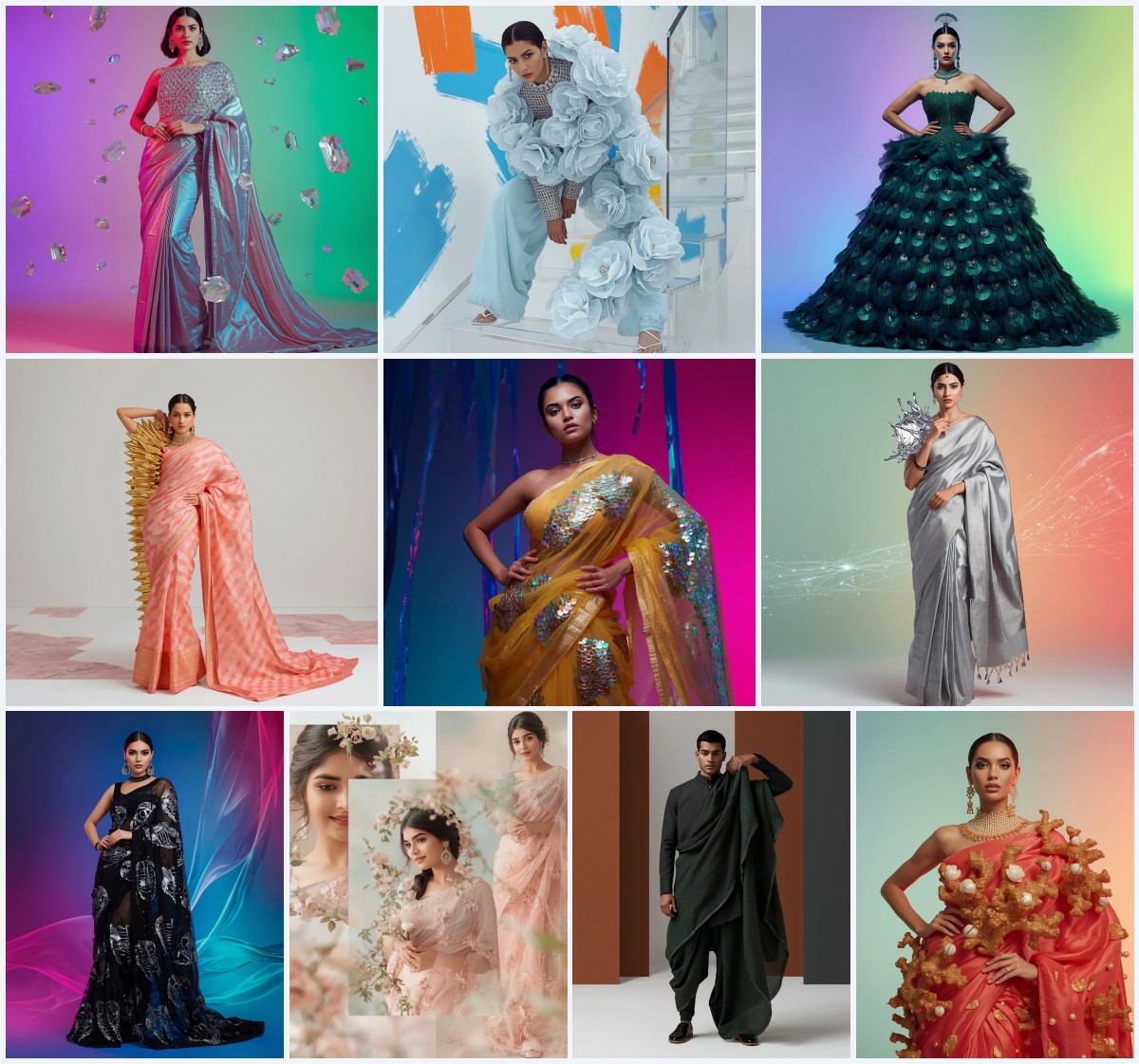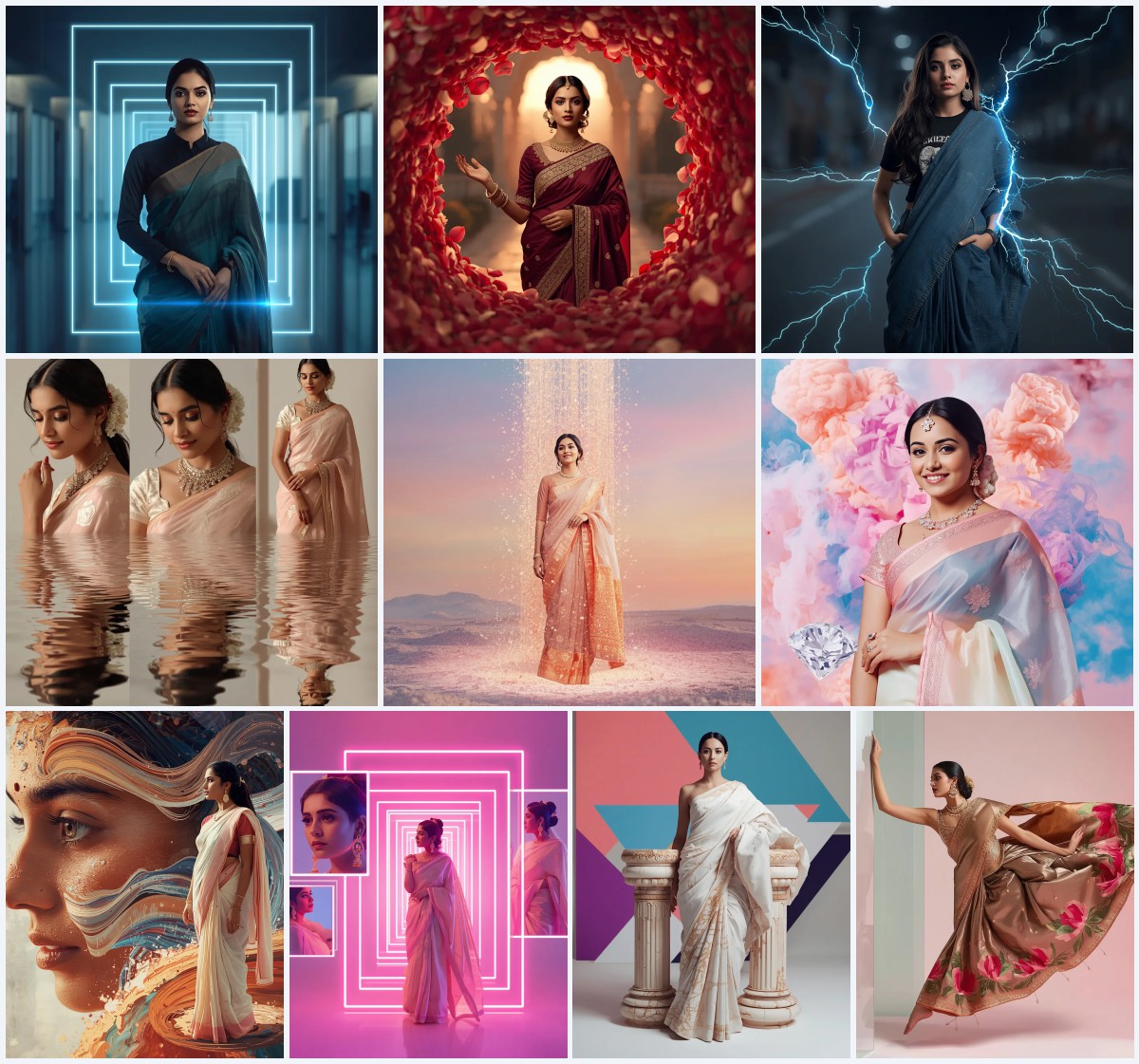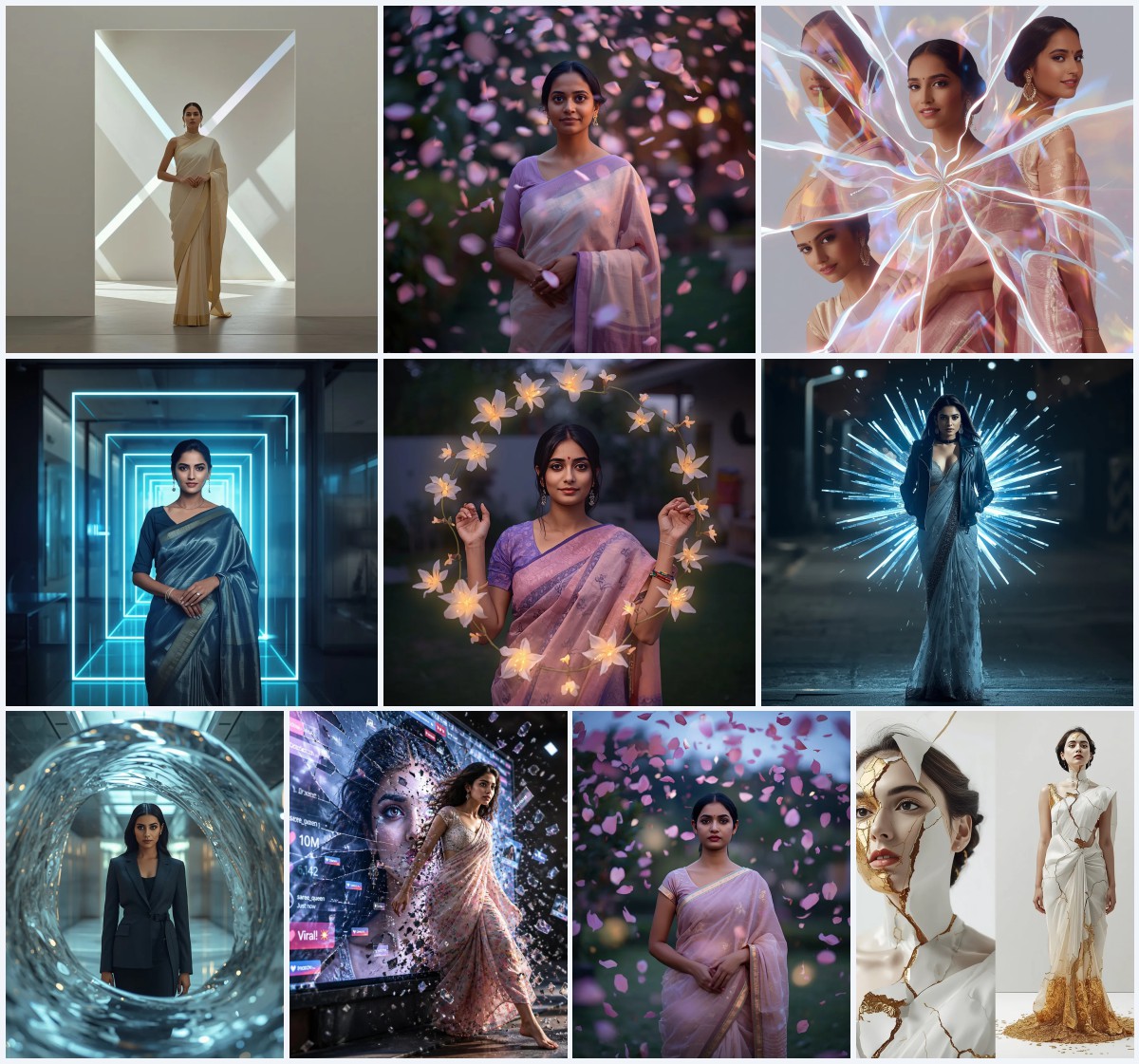


Explore versatile free prompt texts designed to generate high-fashion, avant-garde, and culturally rich saree concepts across diverse environments and genders.
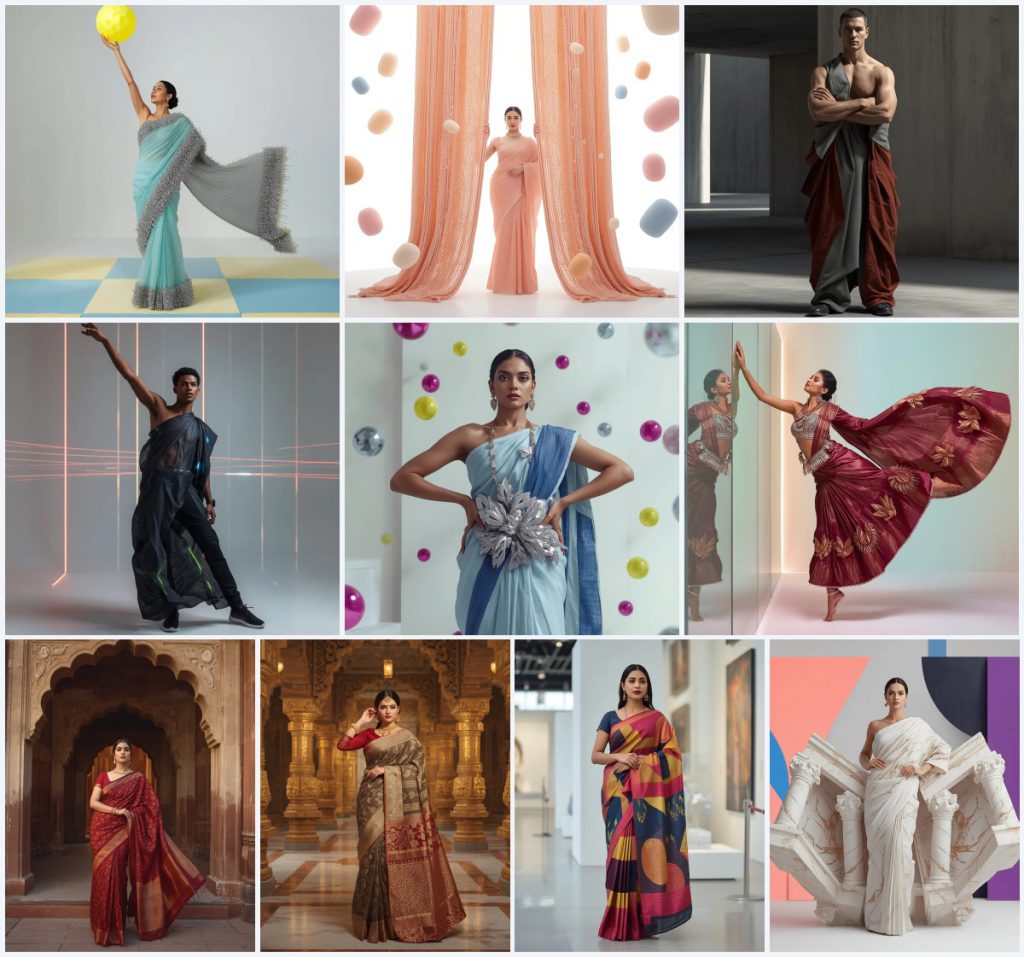
The versatility of saree drapery makes it one of the most expressive art forms in the world of fashion. When combined with artificial intelligence image generation, traditional draped garments transcend conventional boundaries. Modern prompt engineering enables creators to construct bold visual crossovers—placing heavy crystal sarees inside contemporary museums, sculpting marble drapery with gold veins, or reinterpreting saree folds as brutalist architectural menswear.
These versatile saree AI prompts cater to digital artists, editorial stylists, and graphic designers looking for impactful image concepts. Whether your project demands realistic historic fort photography flooded with golden hour sunlight or conceptual bismuth lotus couture parallel to floating acrylic walls, these prompts deliver precise render guidance.
In this guide, we break down versatile prompt structures for both traditional and high-fashion avant-garde saree concepts. Read on to learn how to master high-energy dynamic poses, material textures, and environment lighting controls using simple copy-paste text prompts.
What Are Versatile Saree AI Prompts?
Versatile saree AI prompts are comprehensive text instructions formulated to render a wide variety of saree styles across diverse environments, subjects, and artistic genres. Rather than limiting output to standard studio photoshoots, versatile prompts introduce unexpected materials like white sculpted marble, polished bismuth, wireframe metal, and Swarovski crystal crusts.
Furthermore, these prompts extend beyond traditional gender norms by introducing conceptual male model drapery and brutalist architectural fabric sculptures. This versatility gives visual creators total freedom to produce everything from sacred temple photoshoots to high-energy high-fashion magazine covers.
Why Versatile Saree AI Prompts Is Trending
The popularity of versatile saree prompts is driven by the rapid evolution of digital art platforms and virtual fashion design. Creators want tools that allow them to experiment with unconventional garment structures without physical production constraints. Generating hyper-realistic images of heavy ice-blue sarees loaded with 3D chrome leaves or glowing acrylic geometric orbs provides immediate visual impact online.
Additionally, these prompts cater to digital image editing workflows where users need distinct architectural backdrops—such as historic weathered fort entrances, gold-accented temple pillars, or minimalist museum art galleries—that complement the colors and patterns of the outfit seamlessly.
Popular Styles You Can Create
This collection of versatile prompts allows you to generate an expansive array of visual themes, including:
- Crystal & Wireframe Heavy Design: Pastel aqua or peach-pink net sarees encrusted with Swarovski crystals, rigid 3D metallic wireframe borders, and stiff curtain frames.
- Avant-Garde Male Architectural Drapery: Male models draped in conceptual concrete grey, rust, or charcoal synthetic fabrics featuring brutalist pleats or internal electric LED strips.
- Dynamic Action & Splade Layouts: Cinematic poses like aggressively yanking heavy sapphire-encrusted pallus or floating in dynamic mid-air layouts parallel to acrylic walls.
- Bismuth & Chromatic Lotus Couture: Polished bismuth sarees with 3D chromatic lotus blooms, heavy pearl borders, and metallic corsets.
- Heritage & Temple Photography: Traditional patterned sarees captured in historic fort archways during golden hour or within opulent gold-carved temple interiors.
- Architectural Sculpted Marble Sarees: Monumental white sculpted marble sarees featuring deep gold veins and massive 3D architectural pillars on the pallu.
How to Use Versatile Saree AI Prompts
To turn these versatile prompt scripts into high-quality visual renders, complete these seven practical steps:
- Review the prompt variations and select the garment aesthetic and environment setting you need.
- Copy the exact prompt text string provided in the prompt library.
- Navigate to your preferred AI image generator platform prompt field.
- Paste the prompt string directly into the text input area.
- Add framing or aspect ratio commands (such as 9:16 for fashion reels or 16:9 for landscape banners) as needed.
- Run the prompt generator to render your initial set of creative image variations.
- Choose the best visual result and download the high-resolution render for your project.
What Kind of Base Photo Works Best?
When executing image-to-image transformations or applying prompt aesthetics to existing subject reference photos, choosing the correct base image is critical. The reference photo should feature strong body posture, clear skin detail, and neutral balanced background lighting. Sharp facial alignment ensures that dramatic accessories—such as LED strips, chrome leaves, or bismuth corsets—render cleanly around the subject.
For avant-garde male drapery or high-action poses, choose reference images where arms and shoulders are fully visible. This gives the AI model precise structural points to weave complex fabric folds, wireframe borders, and rigid pallus around the subject naturally.
Which AI Tools Deliver the Best Results?
Different AI generation tools handle detailed metallic textures, complex fabric pleats, and architectural environments with varying levels of precision. The comparison table below highlights top options for running these prompts:
| AI Tool Name | Best Input Format | Key Strengths for Saree Prompts |
|---|---|---|
| ChatGPT | Natural Text Commands | Great for expanding avant-garde concepts and describing architectural backdrop details. |
| Gemini | Descriptive Text Prompt | Delivers superior golden hour lighting across historic stone forts and spiritual temple interiors. |
| Midjourney | Text Input with Style Flags | Unrivaled for rendering Swarovski crystal shine, polished bismuth, and sculpted marble textures. |
| Flux | Detailed Prompt String | Exceptional at holding complex subject poses, stiff curtain frames, and acrylic wall placements. |
| Leonardo | Text Prompting with Presets | Offers fine tune controls for internal LED lighting glow and dynamic high-fashion contrast. |
Pro Tips
Elevate your versatile saree visual generations with these advanced prompt customization strategies:
First, control fabric weight through descriptive adjectives. Words like "heavy, stiff, structured, rigid wireframe" create dynamic architectural forms that flare out dramatically, whereas "soft, fluid, sheer, flowing" create delicate romantic movement.
Second, utilize location keywords intentionally. Combining high-fashion garments with unexpected settings—such as a modern minimalist art museum or weathered historic fort archways—creates striking visual contrast that elevates standard portraiture into fine art photography.
Common Issues and Quick Fixes
Resolve common technical rendering glitches when executing avant-garde saree prompts using this quick reference chart:
| Common Problem | Root Cause | Quick Fix |
|---|---|---|
| Swarovski crystals look like blurry white noise. | Low resolution render settings or missing lighting terms. | Add prompt keywords like "individually faceted crystals, specular light glints, sharp macro focus, 8K resolution". |
| Male architectural drapery defaults to standard suits. | AI bias toward conventional male clothing categories. | Emphasize terms like "conceptual male model draped in fabric sculpture, architectural pleats, no standard suit". |
| Marble saree texture looks flat like plain white fabric. | Lack of material depth and veining descriptors. | Include phrases like "sculpted heavy white marble stone, deep glossy gold veins, monumental relief carving". |
Frequently Asked Questions
Can men wear saree-inspired drapes in these AI prompts?
Yes! Versatile saree prompts explore avant-garde and conceptual unisex fashion, featuring structured architectural fabric sculptures and geometric pleated drapes designed specifically for male models.
What lighting setups work best for crystal and metallic sarees?
Prompts that specify high-contrast specular lighting, ambient spiritual illumination, or warm golden hour light work exceptionally well to reflect realistic glints off Swarovski crystals, bismuth blooms, and chrome leaves.
Where can I paste these prompt texts to edit images?
You can copy and paste these prompt texts into major image generation interfaces including ChatGPT, Gemini, Midjourney, Flux, and Leonardo to render high-resolution results.
Conclusion
Versatile saree AI prompts redefine how digital creators approach ethnic fashion photography and visual art. From high-energy Swarovski crystal action shots to conceptual male architectural drapery and marble sculptures, these prompts deliver limitless artistic potential. Select your favorite prompt text, paste it into your AI generator of choice, and produce extraordinary digital fashion art today.